Bring Your Idea to Life. We'll Help Make It Real.
Create professional designs, customize your products, or get help from our design team. The Link Printers Design Center gives you the resources and support you need to turn your idea into a beautifully printed product.
Hire a Designer →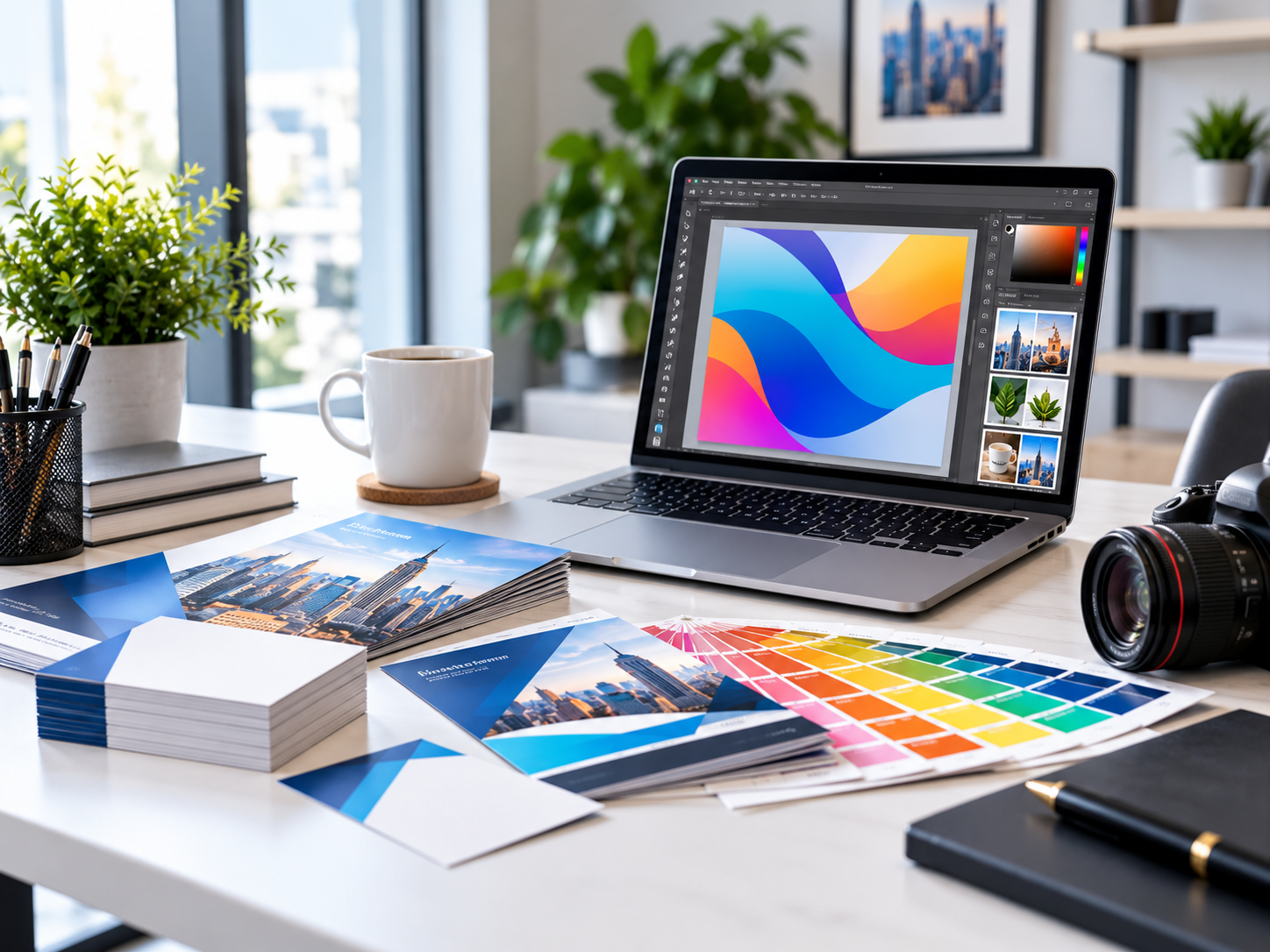
Need Professional Design Help?
Don't have a print-ready design? No problem. Share your logo, text, images, ideas, or design inspiration with our team. We'll help create professional artwork for your printing project.
Request a Custom Design Quote →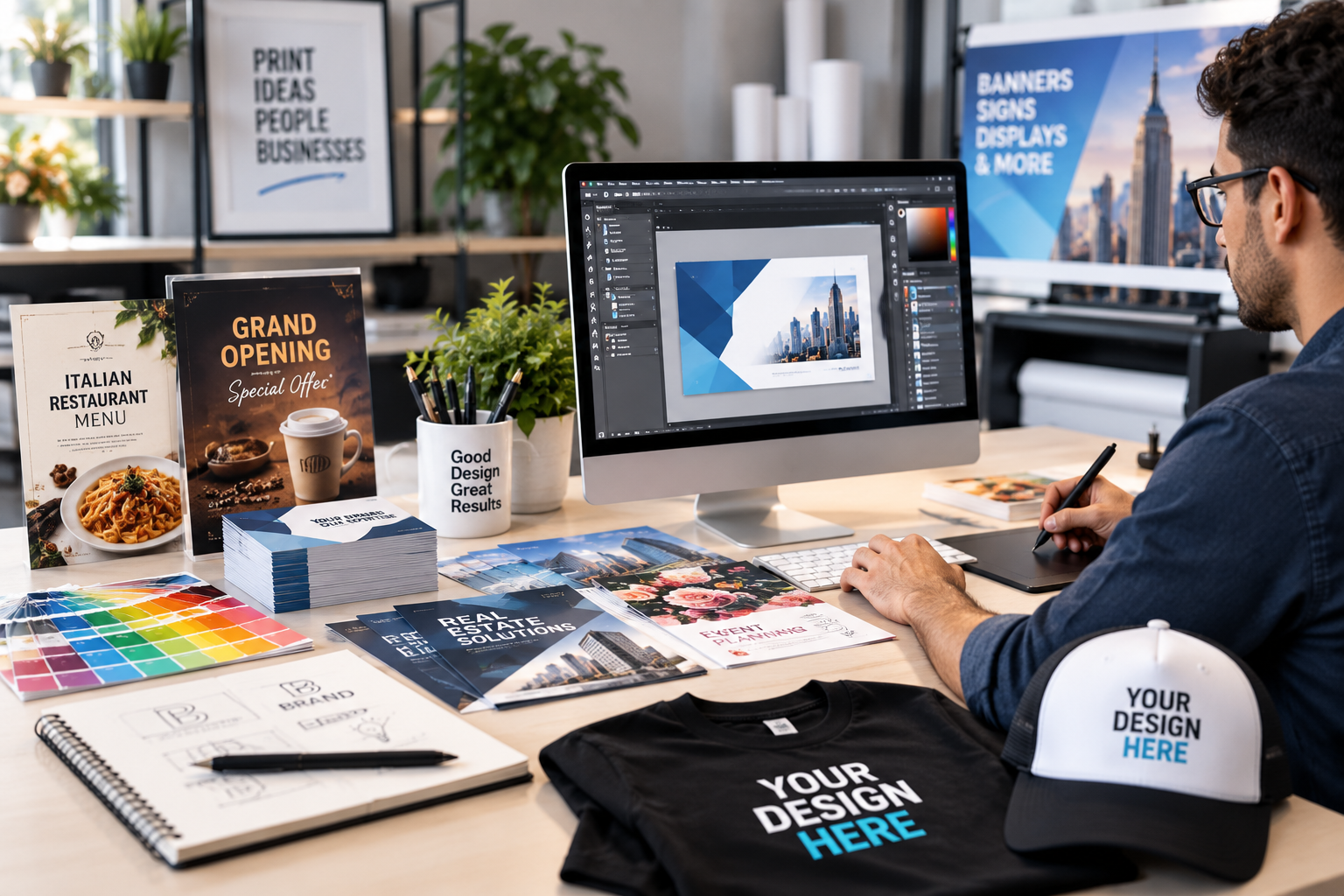
Create. Customize. Print.
With Canva, you can create professional-looking designs using an easy-to-use online editor. Create your artwork, customize text and images, choose your colors, and prepare your project before sending it to Link Printers for professional printing.
Start Designing with Canva →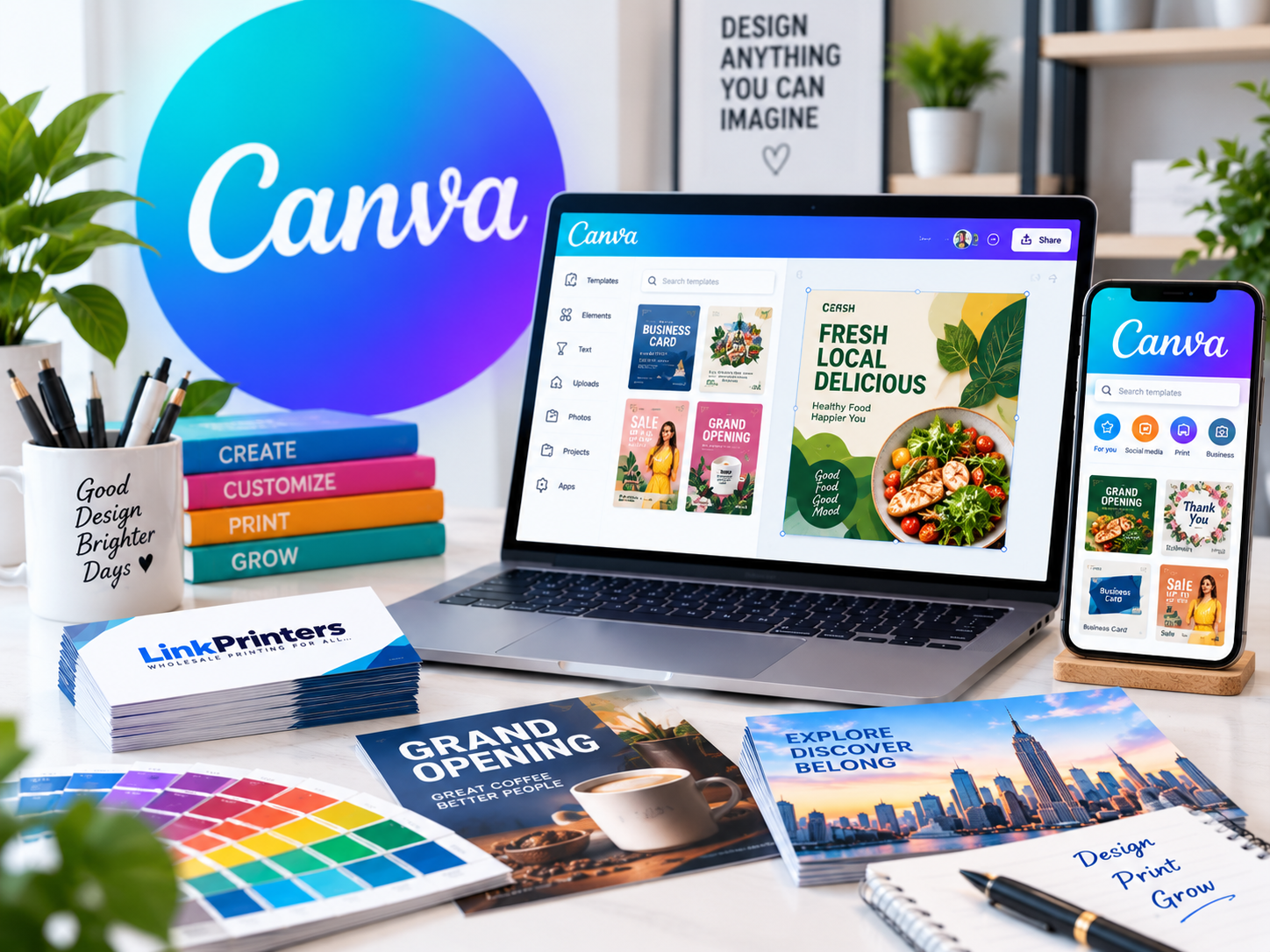
Why Design With Canva?
- Easy to use
- Thousands of design elements
- Design from almost anywhere
- Complete creative control
- Easy collaboration
- Professional-looking results
Print Tip: Designing in Canva is easy. Before submitting your artwork, make sure your finished file meets the print specifications for your product.
From Idea to Print
Follow a simple workflow to create your design, prepare your artwork, and place your printing order.
Choose Your Product
Select the product, size, quantity, and options you need for your project.
Open Canva
Start with a blank design or a suitable Canva design that fits your project.
Customize Your Design
Add your logo, text, images, colors, graphics, and other design elements.
Check Your Artwork
Review dimensions, bleed, safe area, colors, resolution, spelling, and other details.
Download & Order
Download your completed design and place your order with Link Printers.
Create Designs for Your Printing Needs
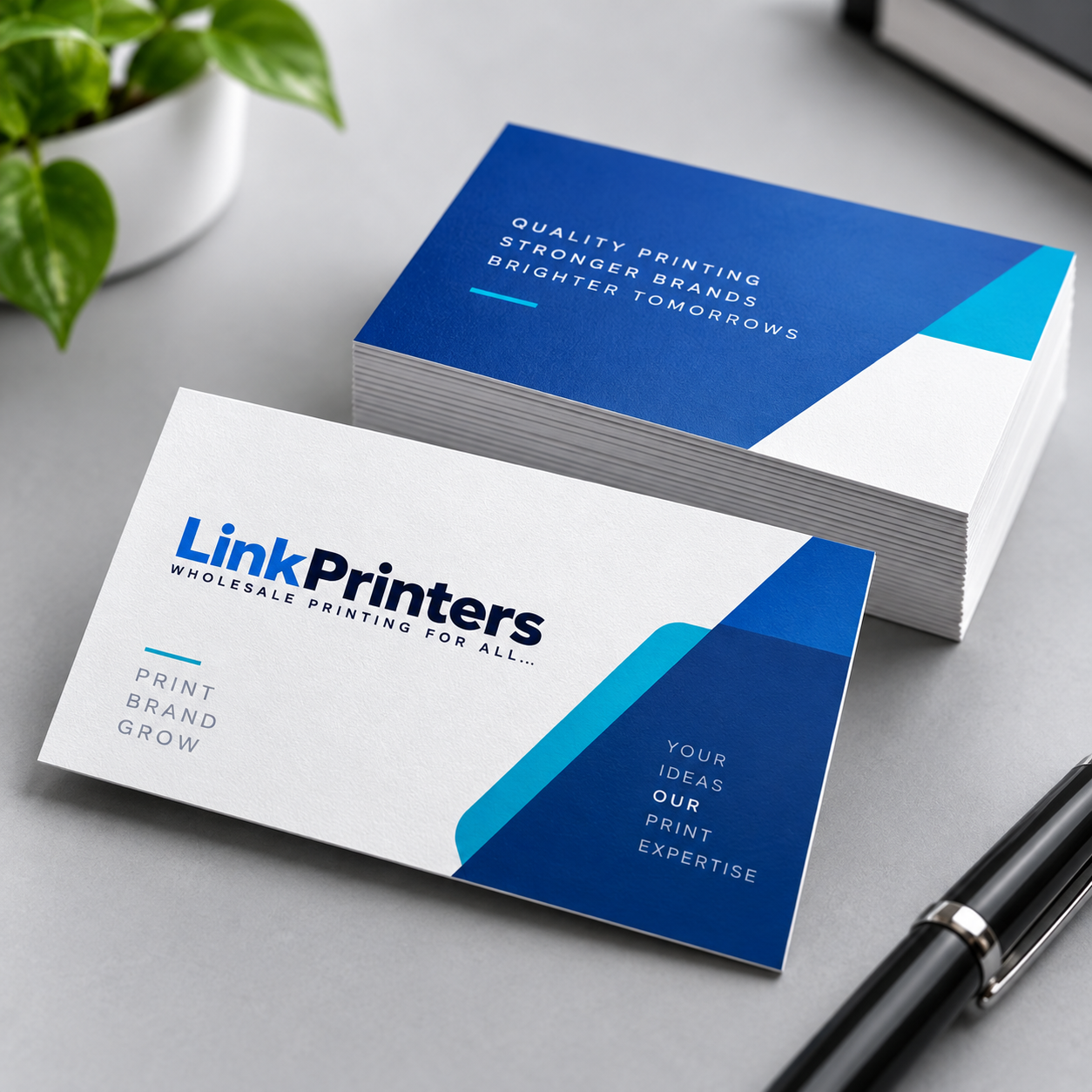
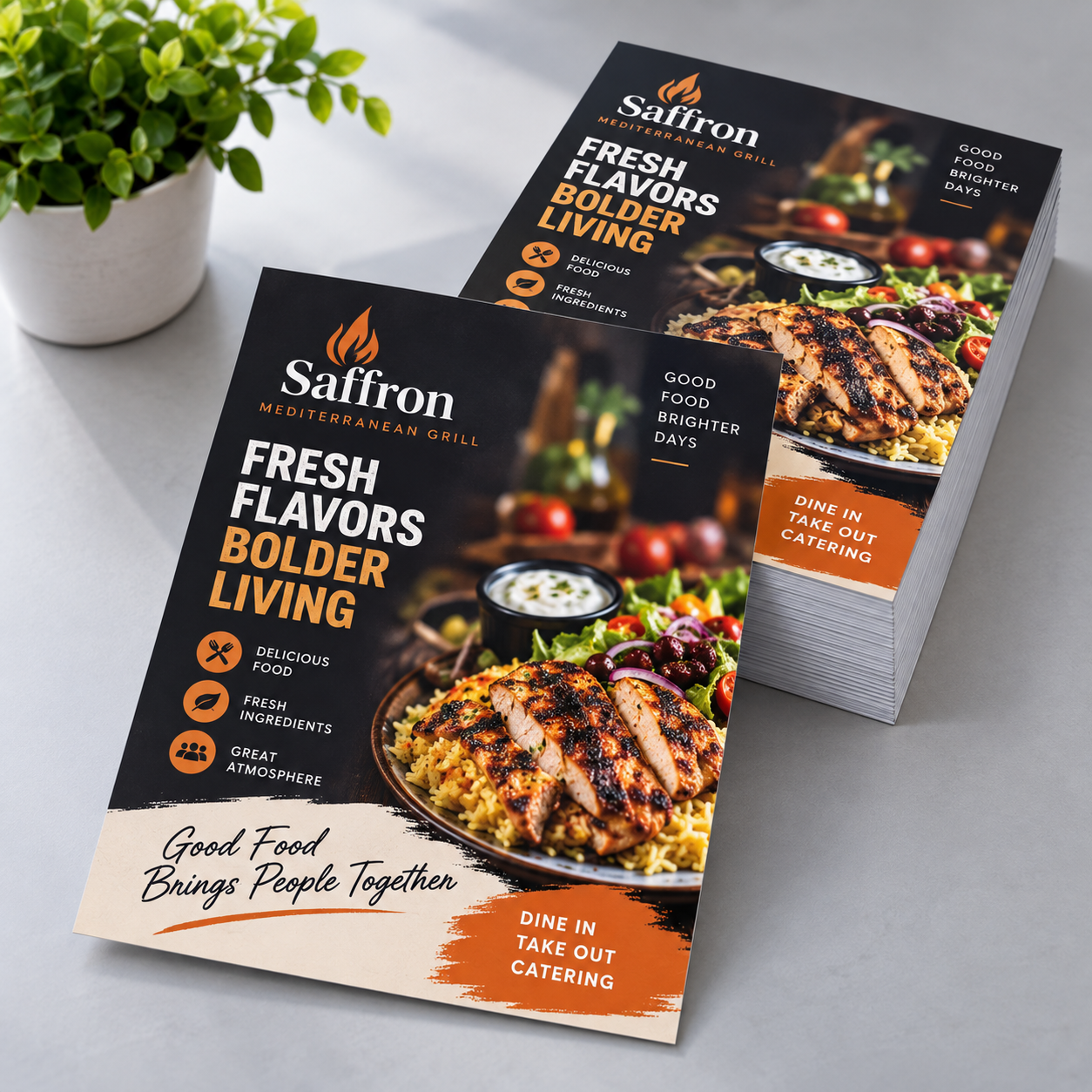
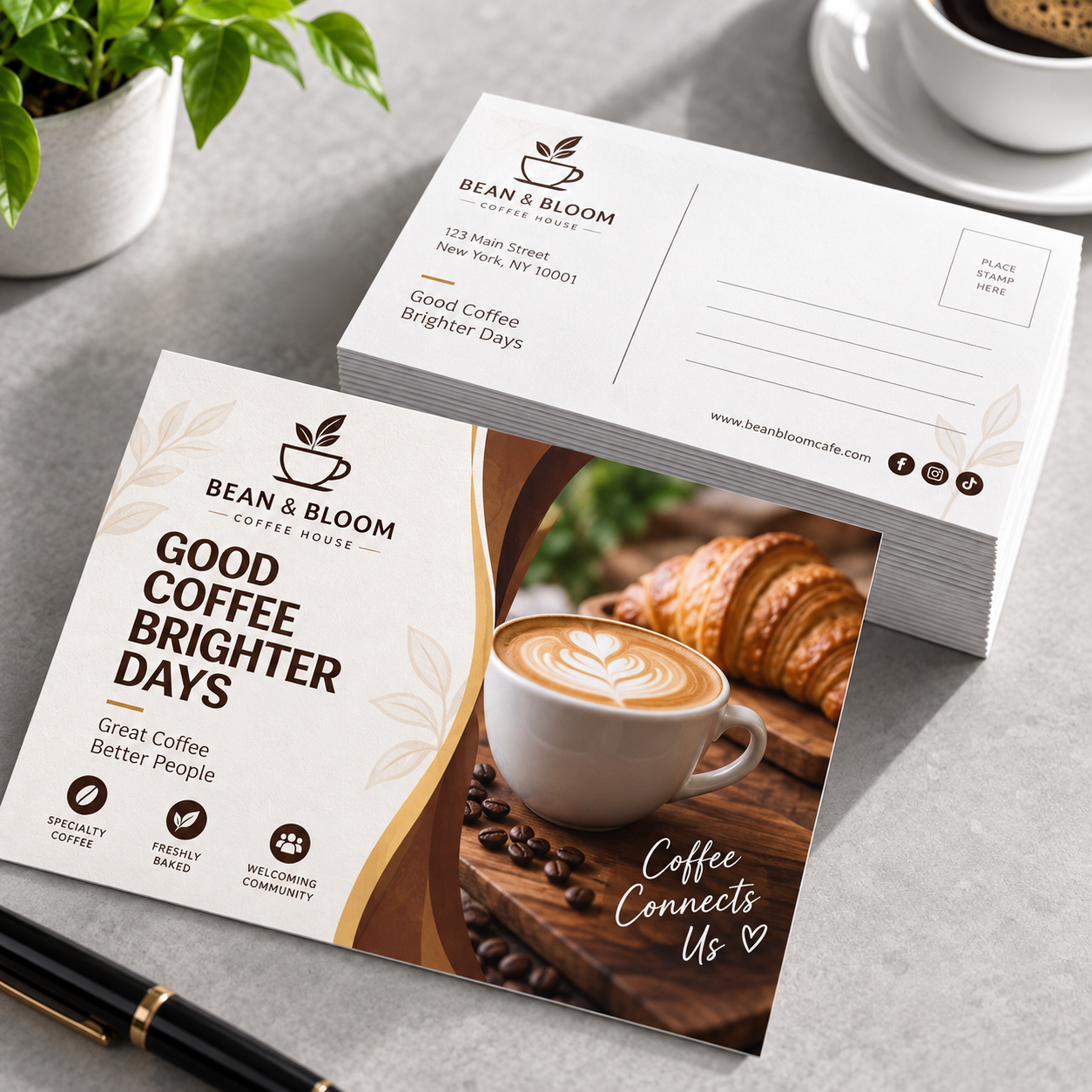
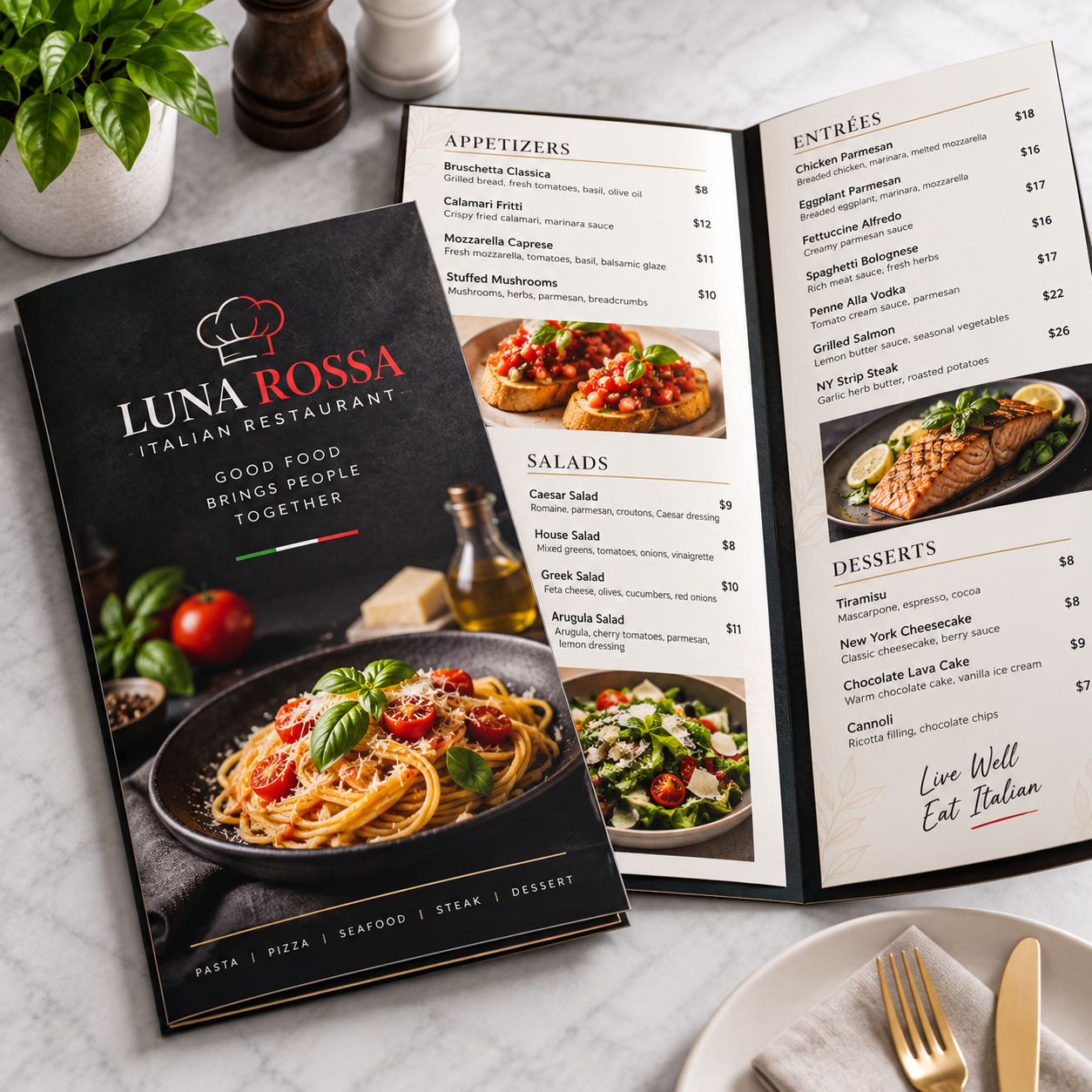
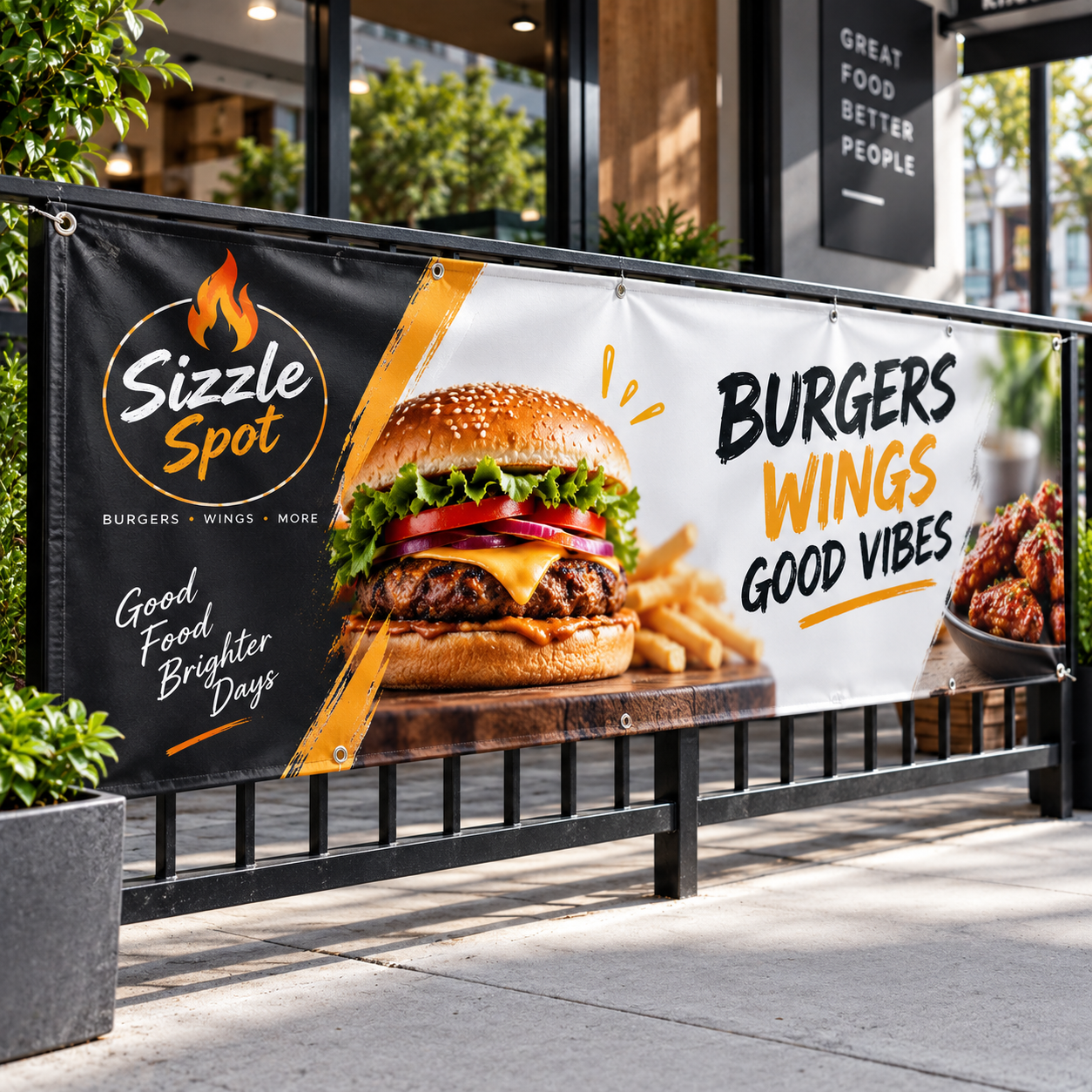
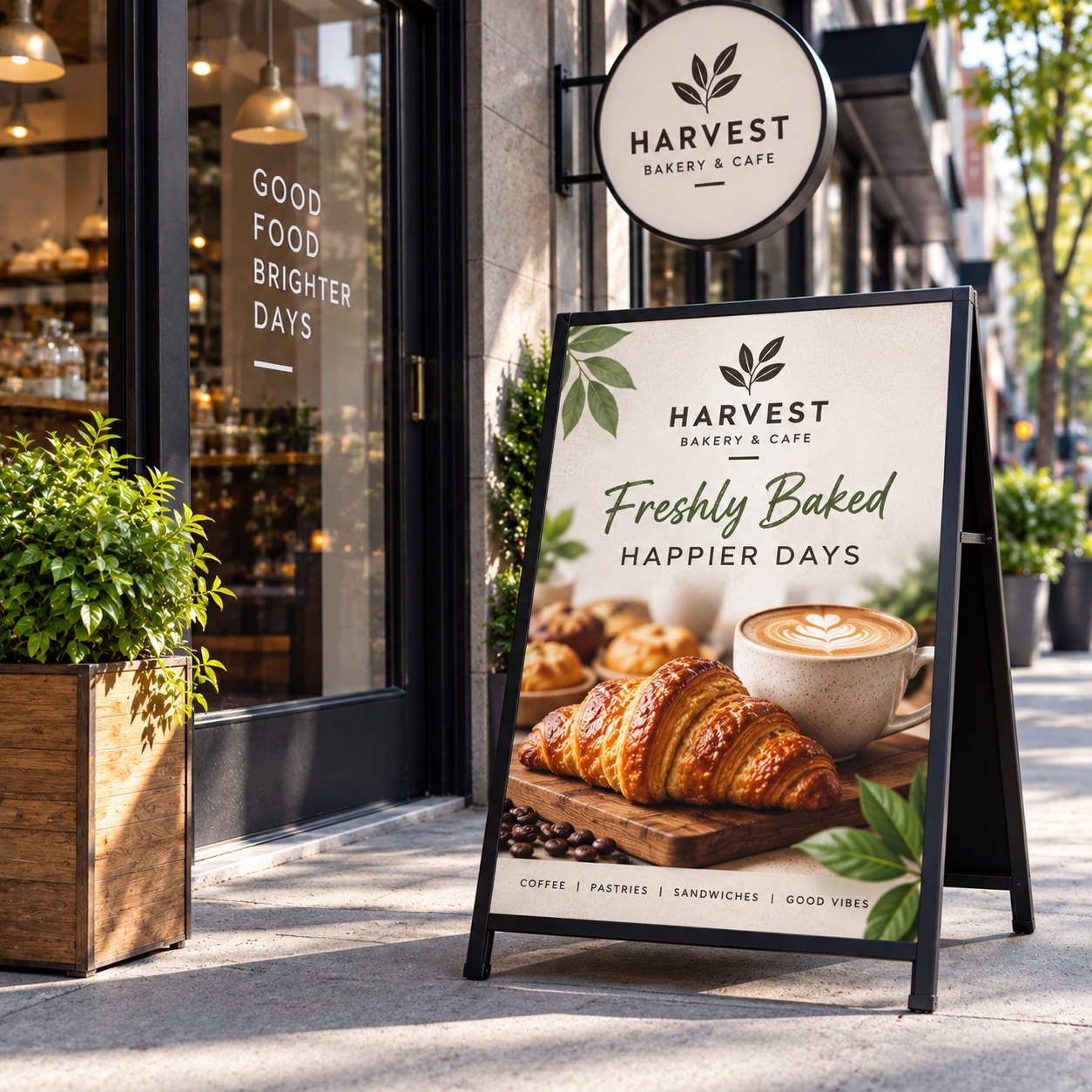
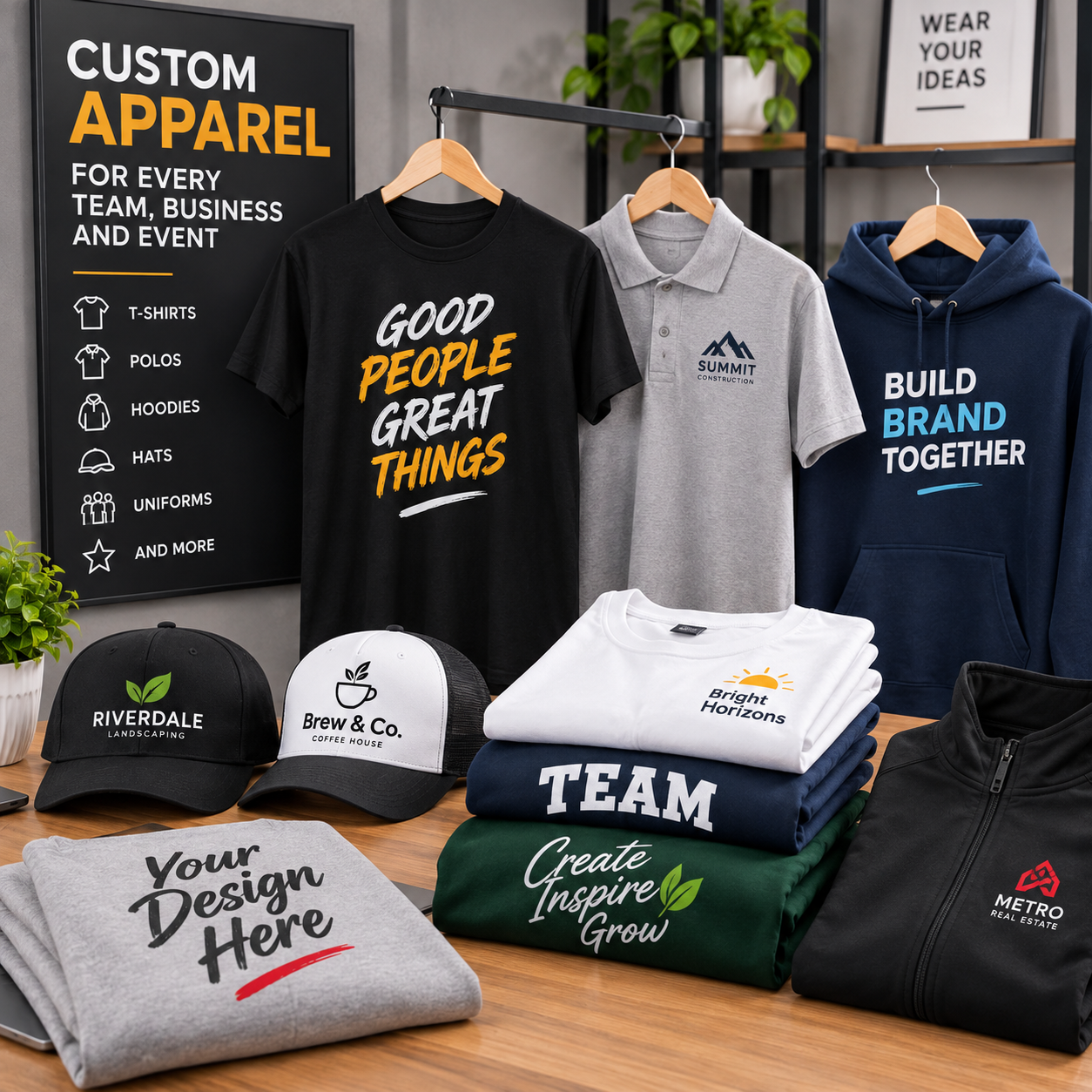
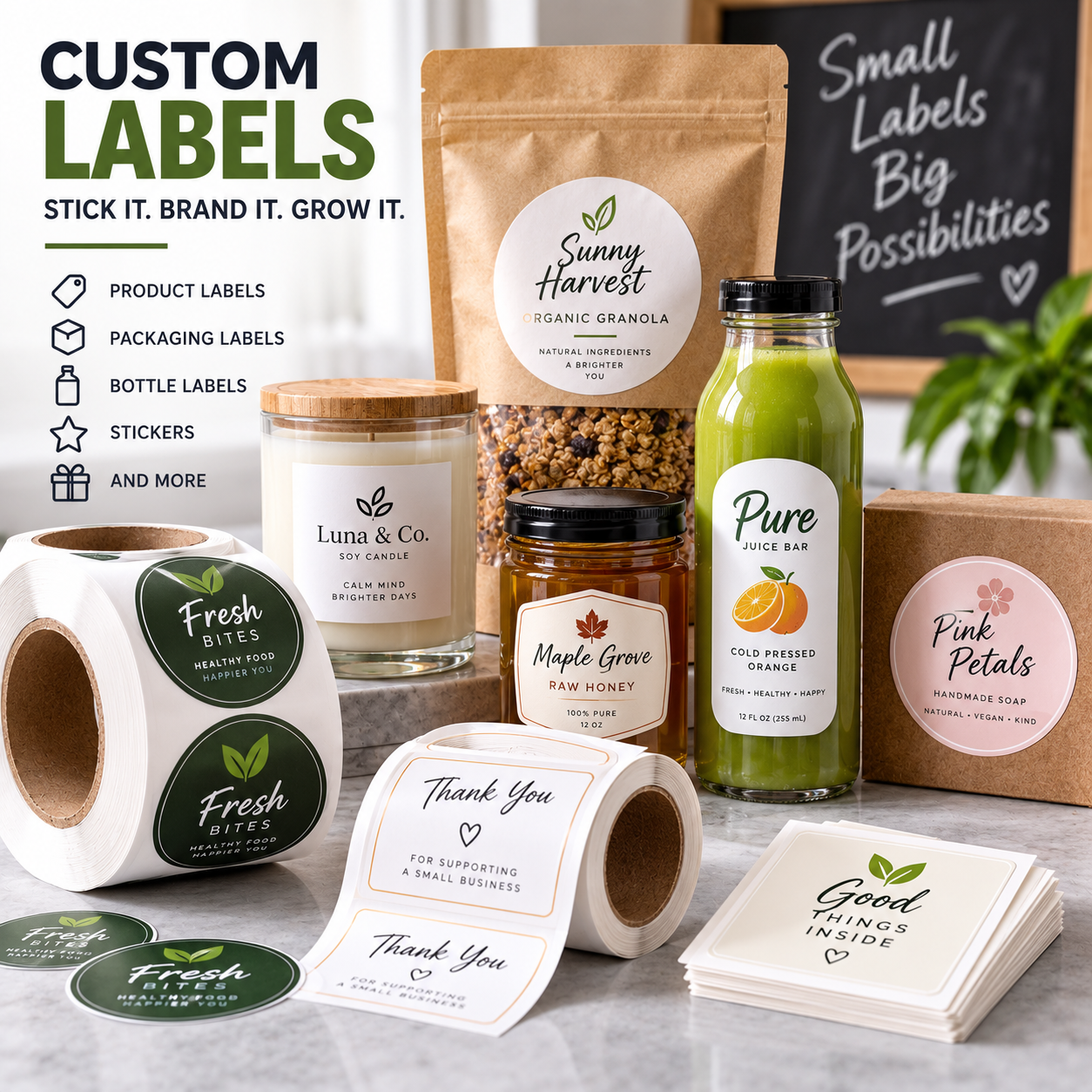
From business cards and flyers to banners, signs, apparel, and labels, create professional artwork for the products you need.
Artwork & Print-Ready File Instructions
Follow these guidelines to help ensure your artwork is properly prepared for high-quality printing.
Upload Your File
If your file is print-ready, simply upload it with your order.
File Check
We will review your file within 24 hours. If there are any errors, we will contact you.
Bleed
Ensure your design file includes 0.125" bleed for cutting.
Accepted File Formats
EPS, AI, PSD, JPG, PNG, and PDF.
Maximum File Size
Maximum file size is 75 MB.
Large Files
If your file exceeds 75 MB, contact us for an FTP upload link. Alternatively, export your design as a PNG or JPG to reduce the file size.
Design Templates
We offer AI and PSD templates for product sizes. To request a template, contact us with your order number and product type, and we will send you the appropriate template.
Ready to Turn Your Idea Into Print?
Whether you have a simple idea or need complete custom artwork, our design team is ready to help create professional designs for your printing project.